inventory:5,527
International Rectifier
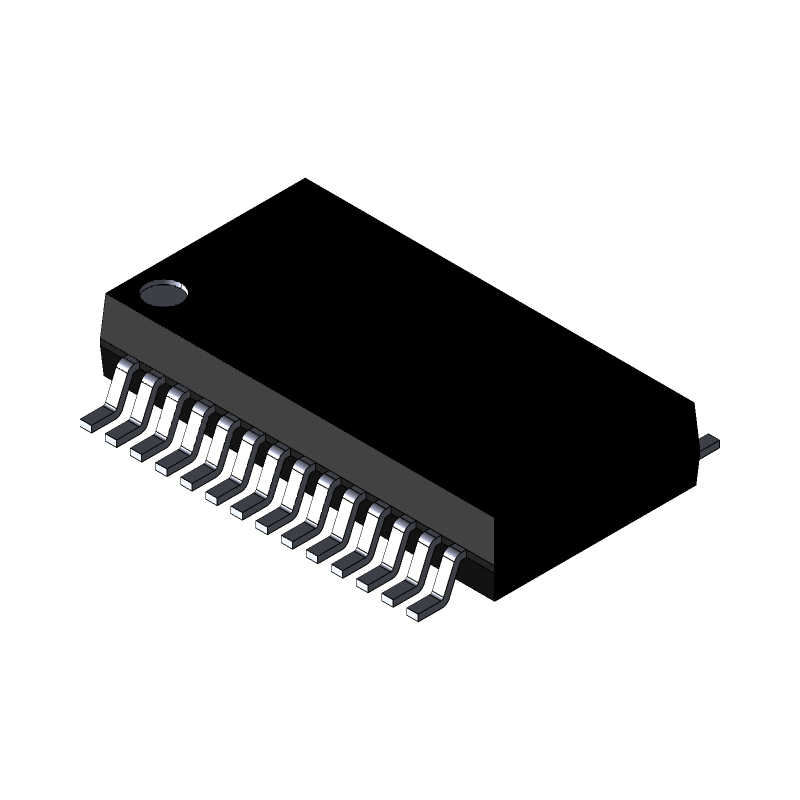
SSOP-28
We are here to provide you with the electronic components you need!
Secure Code for Password Recovery via Email Request.
Please use the security code from your email to reset your password.
Please proceed to log in or return to the homepage.
In today's digital age, a stable internet connection has become the cornerstone of our daily lives and work. However, issues with limited WiFi connections can often arise unexpectedly, weakening our online experience and potentially hindering work efficiency. This article aims to deeply analyze the causes behind this phenomenon and provide a series of practical solutions to help you easily restore and optimize your network connection.
Restart the Router:
First, try restarting your router. Extended operation can lead to performance degradation or temporary malfunctions. A simple power cycle often clears the cache, restoring the router to its optimal state.
Update Firmware:
Regularly check and update the router's firmware to the latest version. Firmware updates can fix known issues and may also bring performance improvements and new features. Visit the router manufacturer's official website and follow the instructions to complete the update.
Seek ISP Assistance:
If the above methods are ineffective, the issue may lie with the Internet Service Provider (ISP). Contact ISP customer service promptly to report the problem and request professional diagnosis and repair.
Reduce Obstacles:
WiFi signals weaken when passing through walls and obstacles. Try adjusting the position of the router and the device to reduce obstacles and enhance signal strength.
Shorten Distance:
Distance is a key factor affecting WiFi signal strength. Try to keep the device close to the router, or consider using a WiFi signal booster to extend the coverage area.
Turn Off Bluetooth:
Bluetooth and WiFi share the 2.4GHz frequency band and can interfere with each other. Try turning off Bluetooth to see if it improves WiFi connection quality.
Switch to the 5GHz Band:
If your device and router support 5GHz WiFi, it is recommended to connect to this band. The 5GHz band has less interference, faster speeds, and better network experience.
Keep Away from High-Power Devices:
High-power devices like microwaves and cordless phones can interfere with WiFi signals. Keep them at a distance from the router to reduce interference.
Choose Non-Overlapping Channels:
In the 2.4GHz band, channels 1, 6, and 11 are non-overlapping and can avoid mutual interference. Manually select one of these channels through the router's settings page to optimize the network environment.
Use WiFi Analysis Tools:
Use WiFi analysis tools to scan surrounding WiFi networks, identify congested channels, and select relatively idle channels for connection. This helps reduce interference and enhance network performance.
Consider Professional WiFi Systems:
For high-demand scenarios such as businesses and schools, consider deploying professional WiFi systems. These systems have advanced channel management and optimization functions that can automatically adjust channel settings to maximize network performance.
Although limited WiFi connections can be frustrating, we can overcome this issue with scientific methods and meticulous operations. From basic router maintenance to optimizing environmental factors, eliminating device interference, and adjusting channel settings, each step can be crucial to solving the problem. I hope the solutions provided in this article can help you overcome the limitations of WiFi connectivity and enjoy a smoother and more stable online life and work experience. If the problem persists, consider seeking professional technical support to ensure your network is safeguarded by experts.
2V and is housed in a 144-pin TQFP package
250kbps full duplex RS232 transceiver TSSOP16 interface IC
4V 2-Pin SOD-323 T/R ESD Suppressor Diode TVS Bi-Directional
This programmable EPROM is a reliable and cost-effective memory solution for various applications
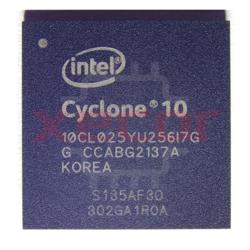
256UBGA IC FPGA with 150 I/o
Power Sequencer LM3881MM/NOPB: Supervisory Circuits
Rectangular 6 pin surface mount device for temperature sensing
NOR Flash EW-SERIES FLASH NOR SLC 8MX16 TSOP Parallel NOR Flash Embedded Memory MT28EW128ABA
From sleek smartphones to complex medical devices, various industries demand smaller, more efficient, and more powerful interconnect devices. Why is miniaturization so important? And which industries place the most emphasis on these advancements?
This article aims to deeply analyze the causes behind this phenomenon and provide a series of practical solutions to help you easily restore and optimize your network connection.
LoRa modulation is a low-power, wide-area network communication technology, based on spread spectrum technology, developed by Semtech. LoRaWAN is a set of communication protocols and system architecture designed for long-range communication networks using LoRa technology. It functions as the Media Access Control (MAC) layer protocol.